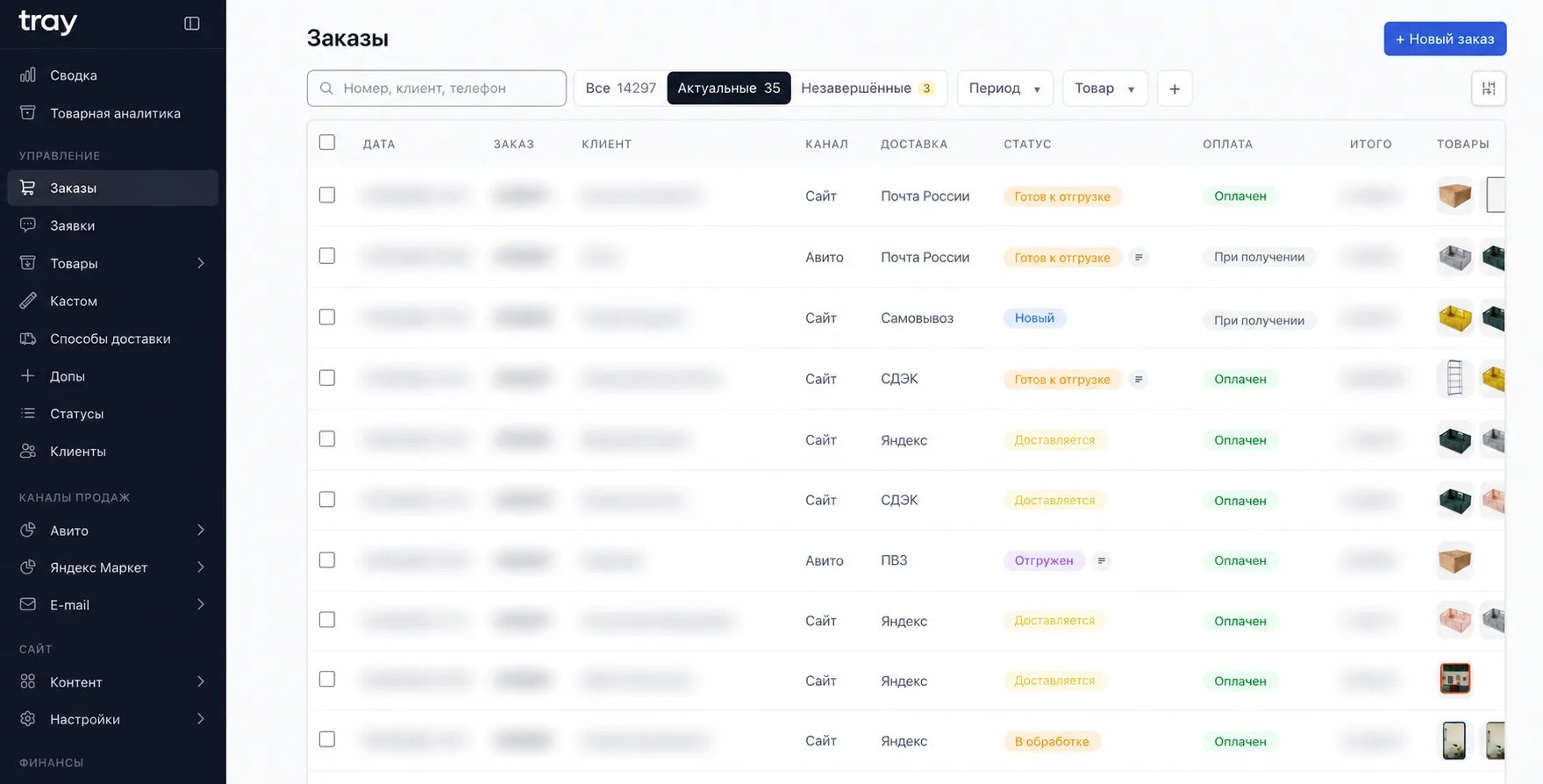
The finance module is the part of Tray's admin where all of the business's money comes together. Before, I built the P&L by hand from three places: bank transactions lived in FinTablo for 5,600 rubles a month, while orders and cost of goods sat in the CRM and spreadsheets. Every month that meant entering and categorizing transactions, then pulling it all together. I moved the books into our own system so money and operations data live in one database and the picture is real-time, not once a month.
Accounts and transactions
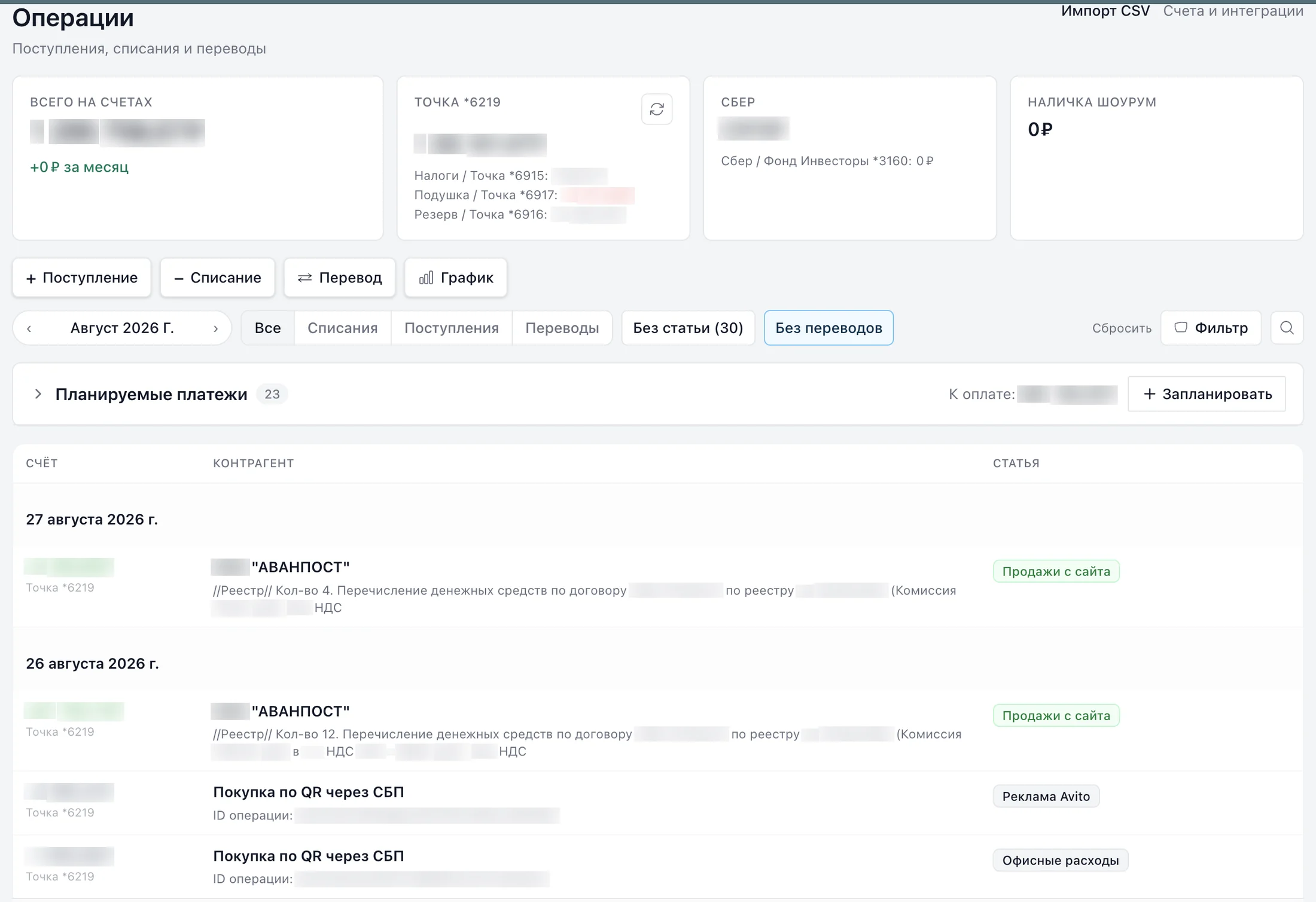
The main account and savings accounts at Tochka Bank sync through the bank's API, and balances match what you see in online banking. Statements from other banks are uploaded as files, and cash is entered by hand. I migrated the history from FinTablo so we didn't start from zero. Transfers between our own accounts are detected automatically and don't skew the reports.
Auto-categorization
Every transaction runs through rules when it comes in: first by the counterparty's tax ID, then by name and payment description. In a small business, most payments go to the same counterparties, so a couple dozen rules cover the main flow, and anything new lands in a separate list to be categorized by hand.
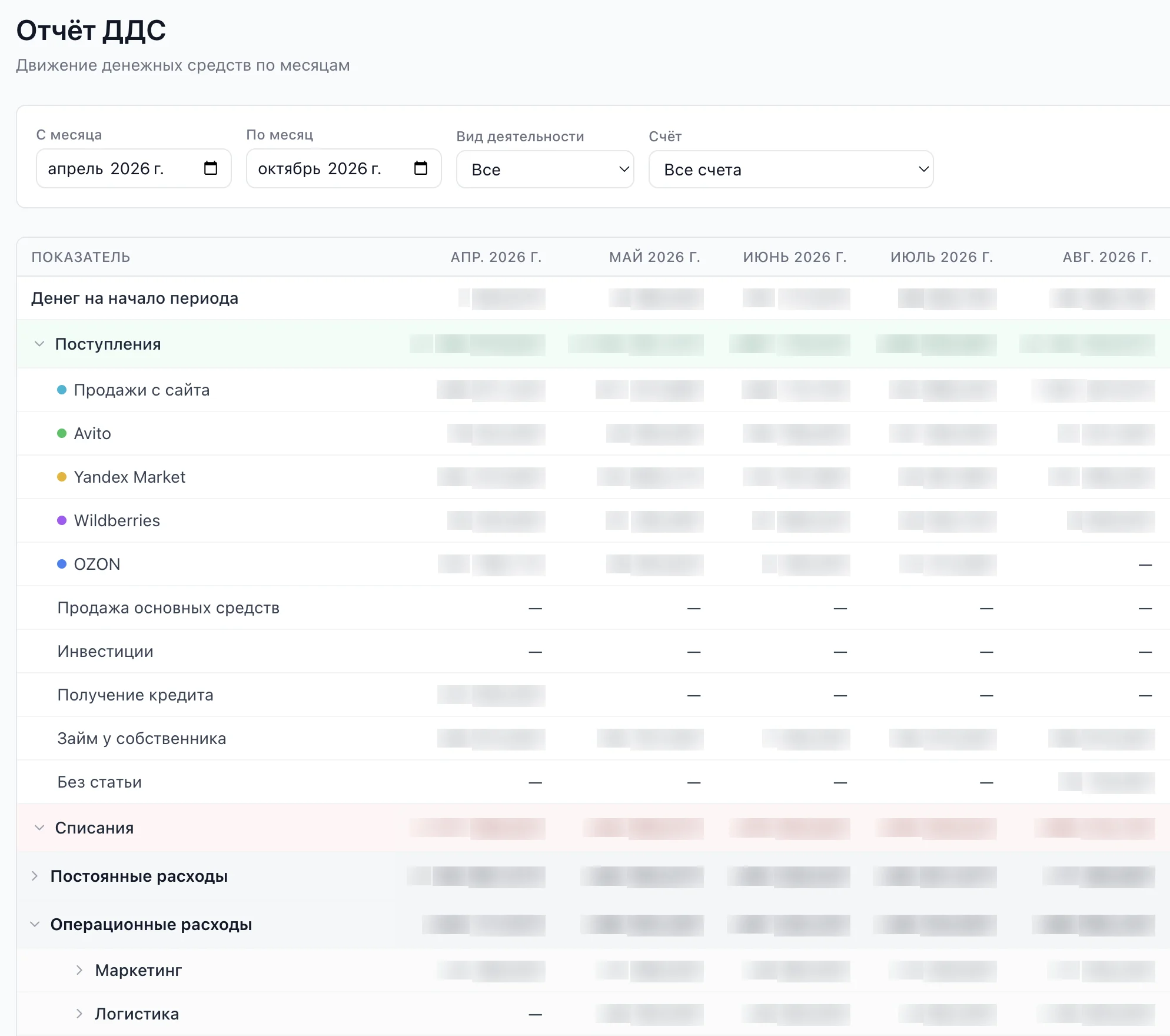
Cash flow statement
A monthly cash flow report. Income is split by sales channel, and expenses into fixed (salaries, rent, taxes) and operating (purchasing, shipping, marketing). There are filters by activity type and account, a daily balance chart, and a waterfall chart that shows where the money went over a period.
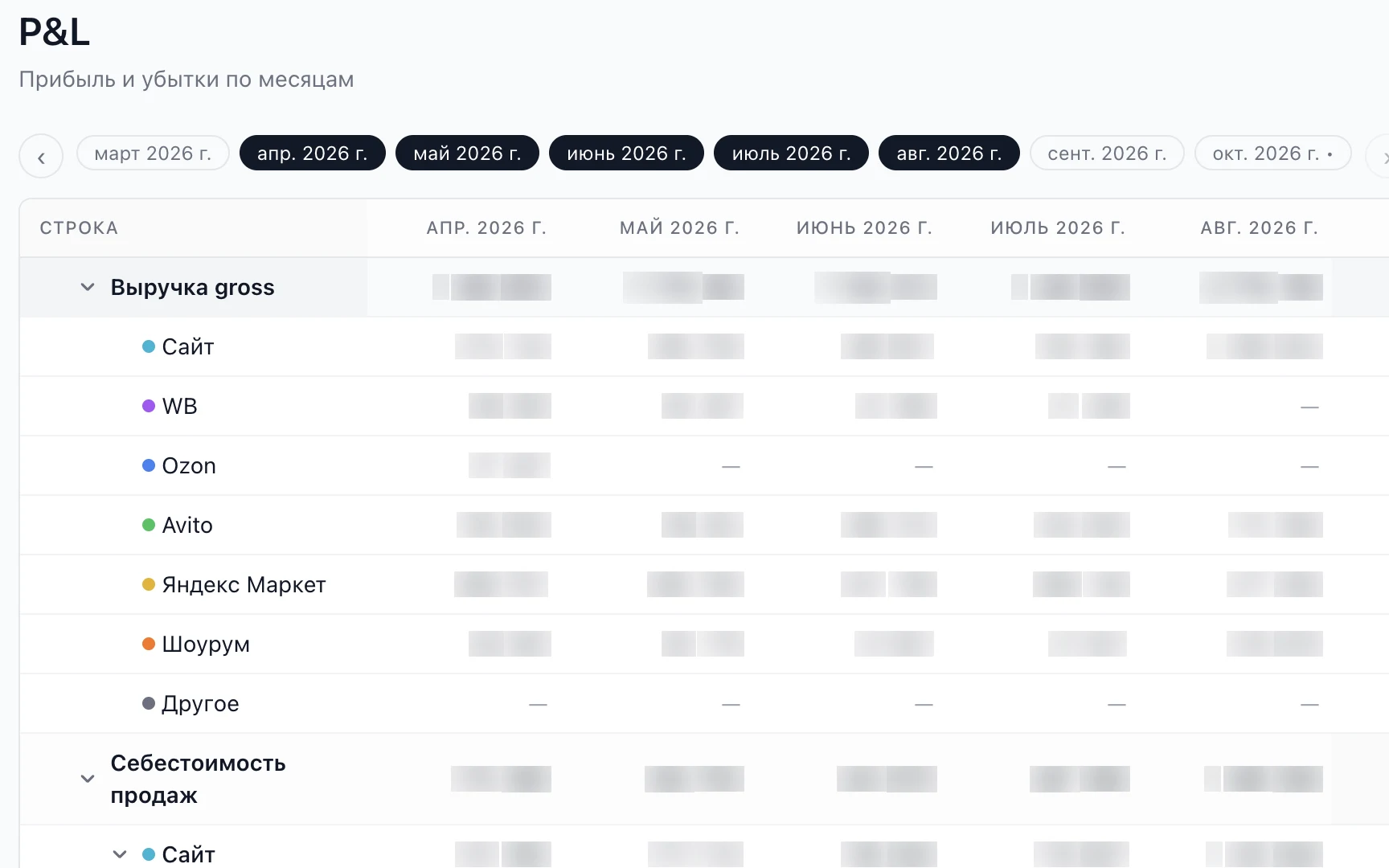
P&L and profit by channel
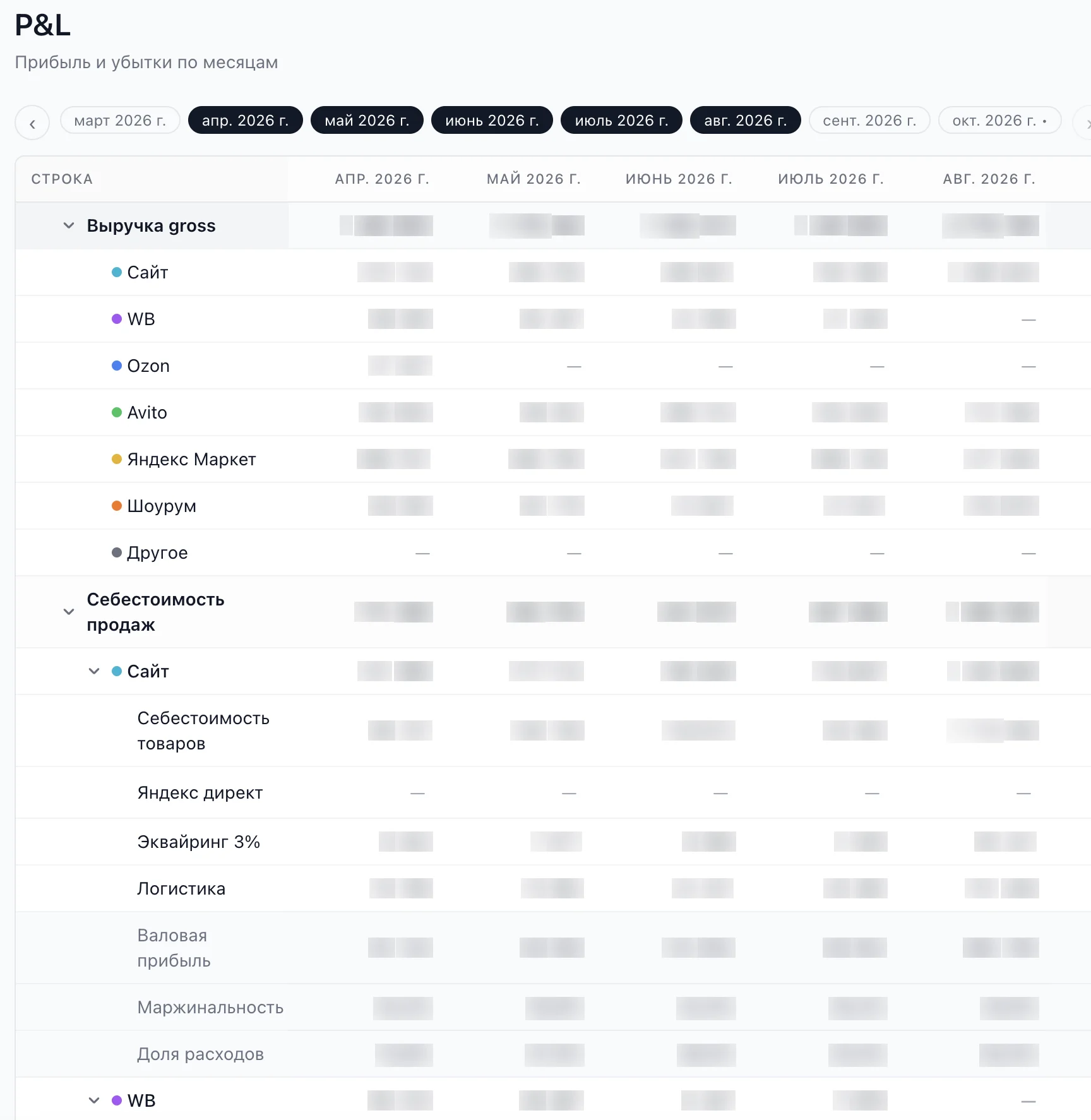
The key difference from FinTablo: profit is calculated not just from bank transactions but from orders. Cost of goods comes from the catalog, acquiring fees use the rate that applied on the order date, plus shipping, Avito fees, and discounts. So you can see the real margin for the website and Avito, and the monthly P&L builds itself instead of living in a spreadsheet.
Planned payments and forecast
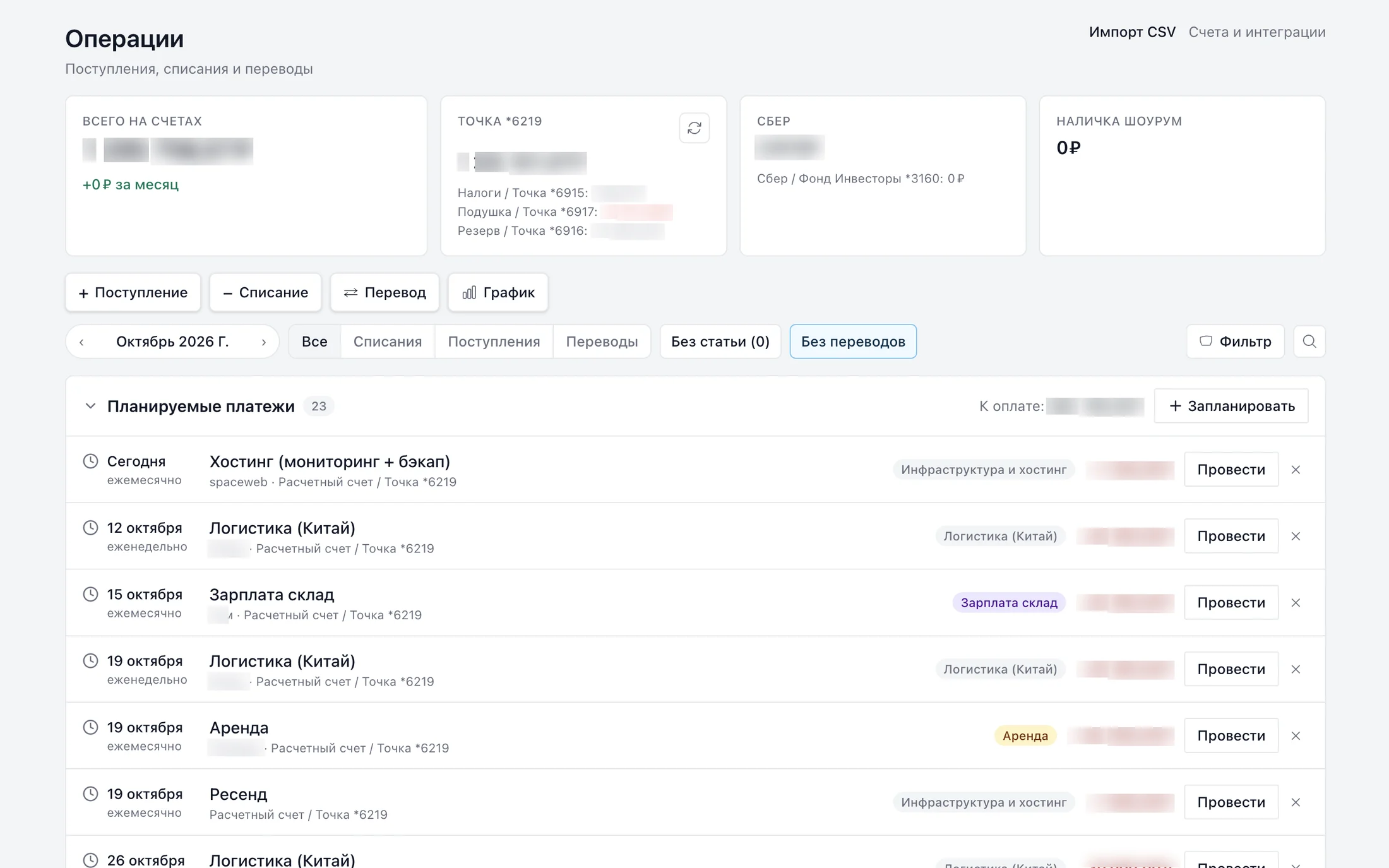
Rent, salaries, subscriptions, and taxes are set up as recurring payments. When a statement comes in, the system finds the matching transaction by amount, date, and counterparty, marks the payment as paid, and flags overdue ones. Planned payments feed a balance forecast for the coming months, so you see a cash gap ahead of time, not on the day you can't pay.
Invoices
Invoices for business customers go out right from the admin through Tochka's API: the buyer's details are filled in by tax ID, and the payment status updates on its own.
The module replaced a paid service and took a big chunk of routine off my plate: entering transactions by hand and the monthly roll-up. I kept and compared a P&L before too, but now I just open the report, check it, and look at the numbers — they're already there.