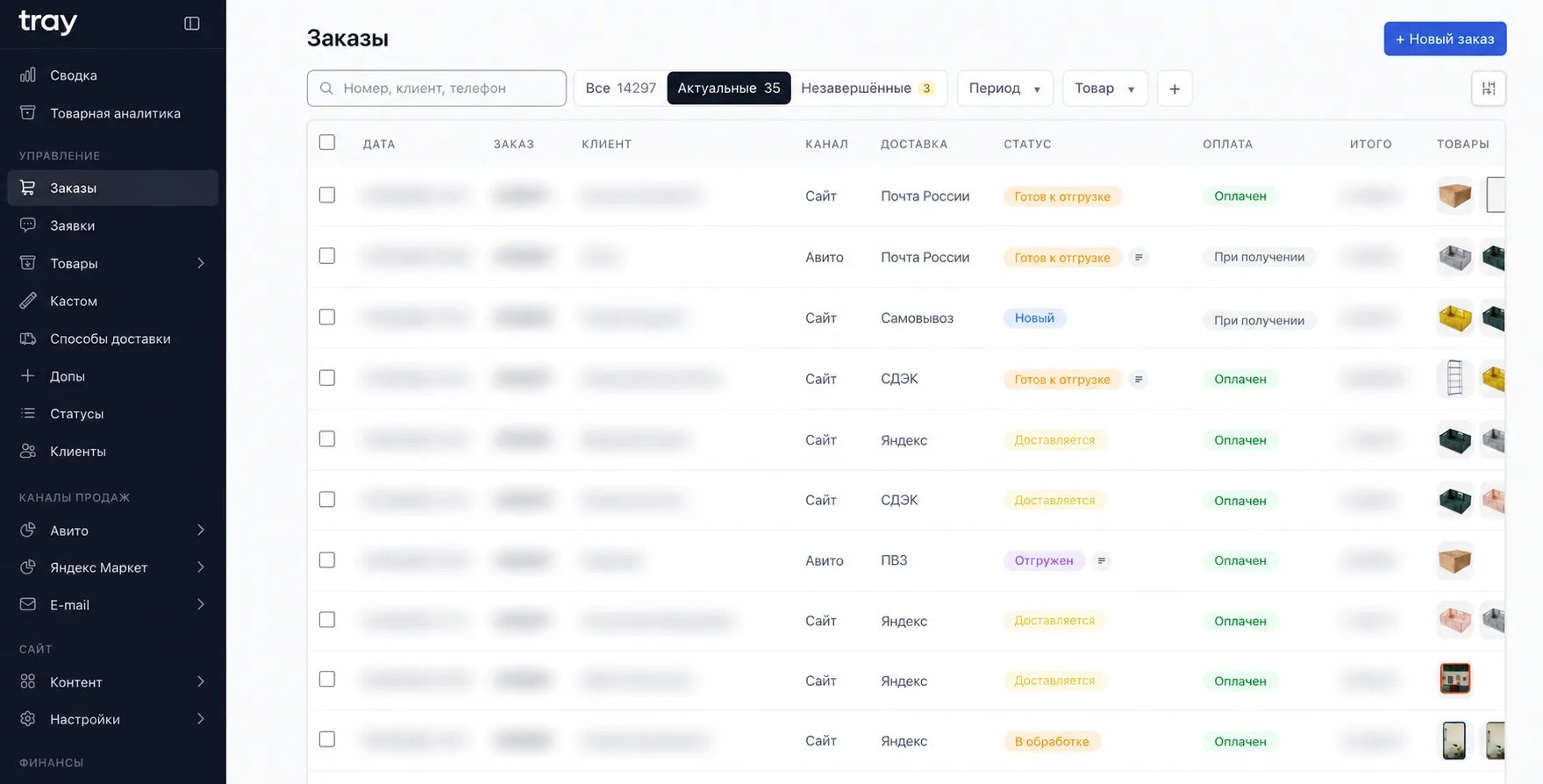
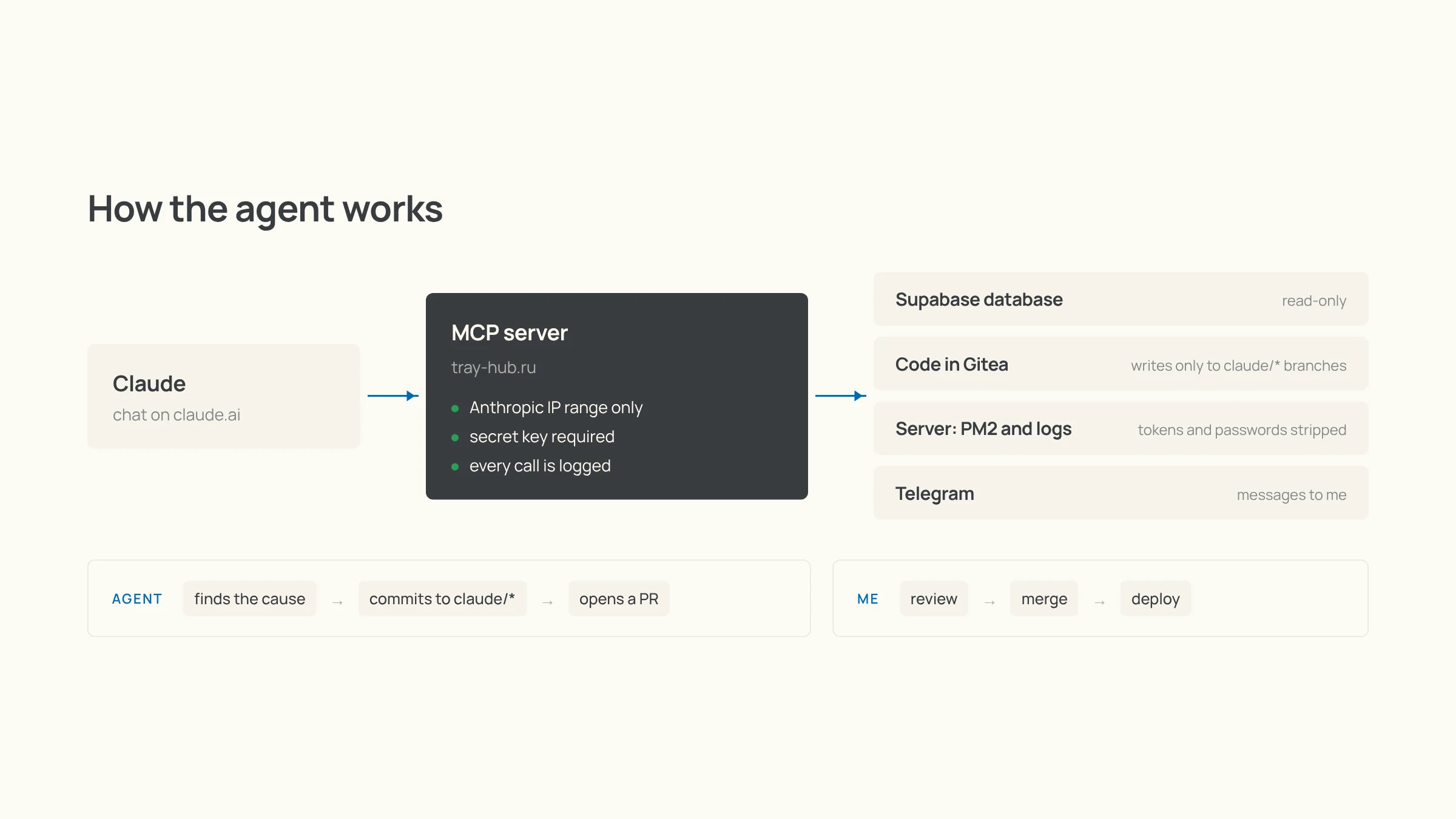
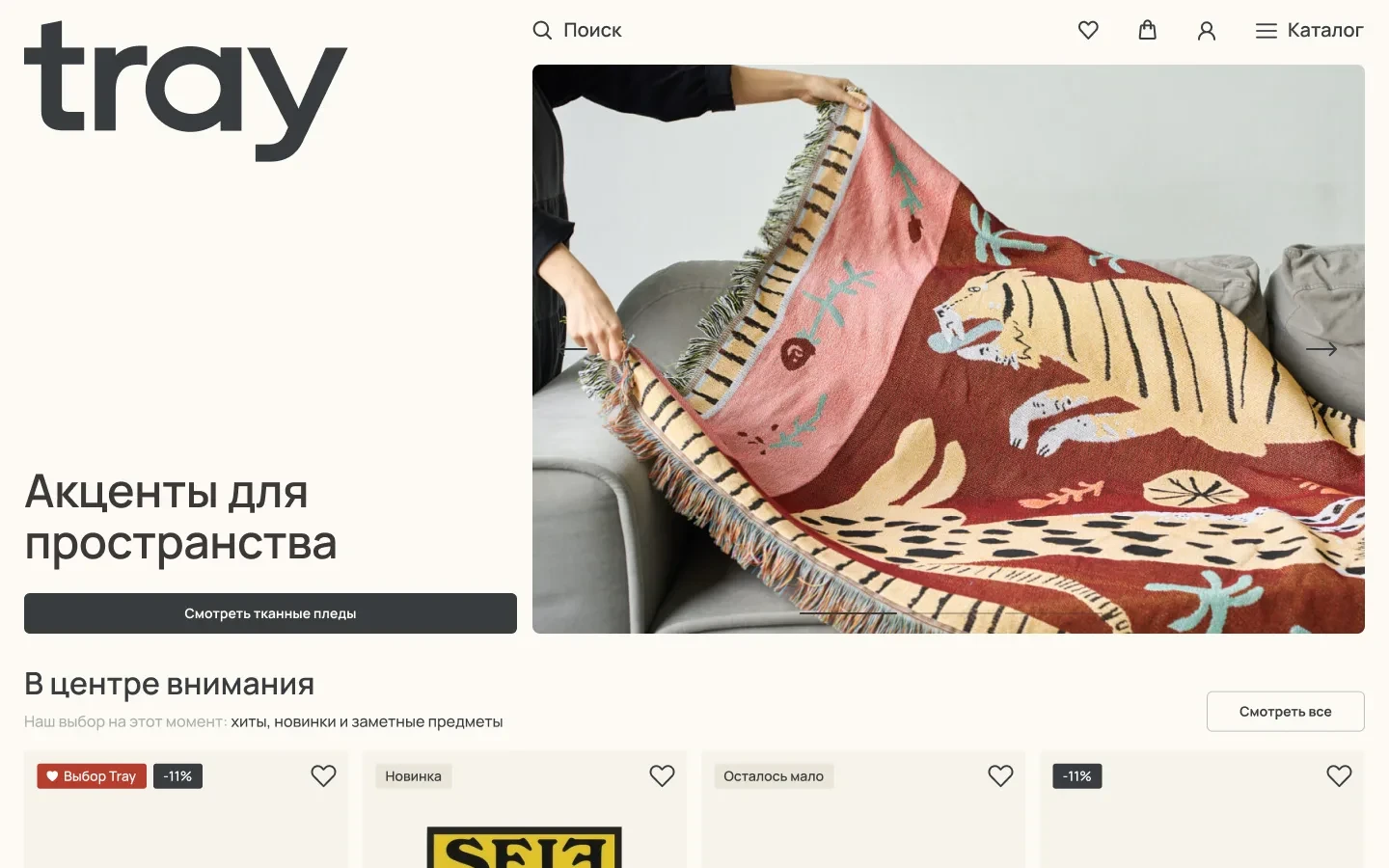
Email is a channel that only gets more valuable as your customer base grows: a repeat sale to your own list costs almost nothing compared to ads. I learned that well back at UTRO. At Tray, I built email right into my own CMS, so emails are put together from the same catalog and go to the same customer base where the orders live. It ended up being part marketing, part automation: campaigns, segments, and emails the system sends on its own.
Email builder
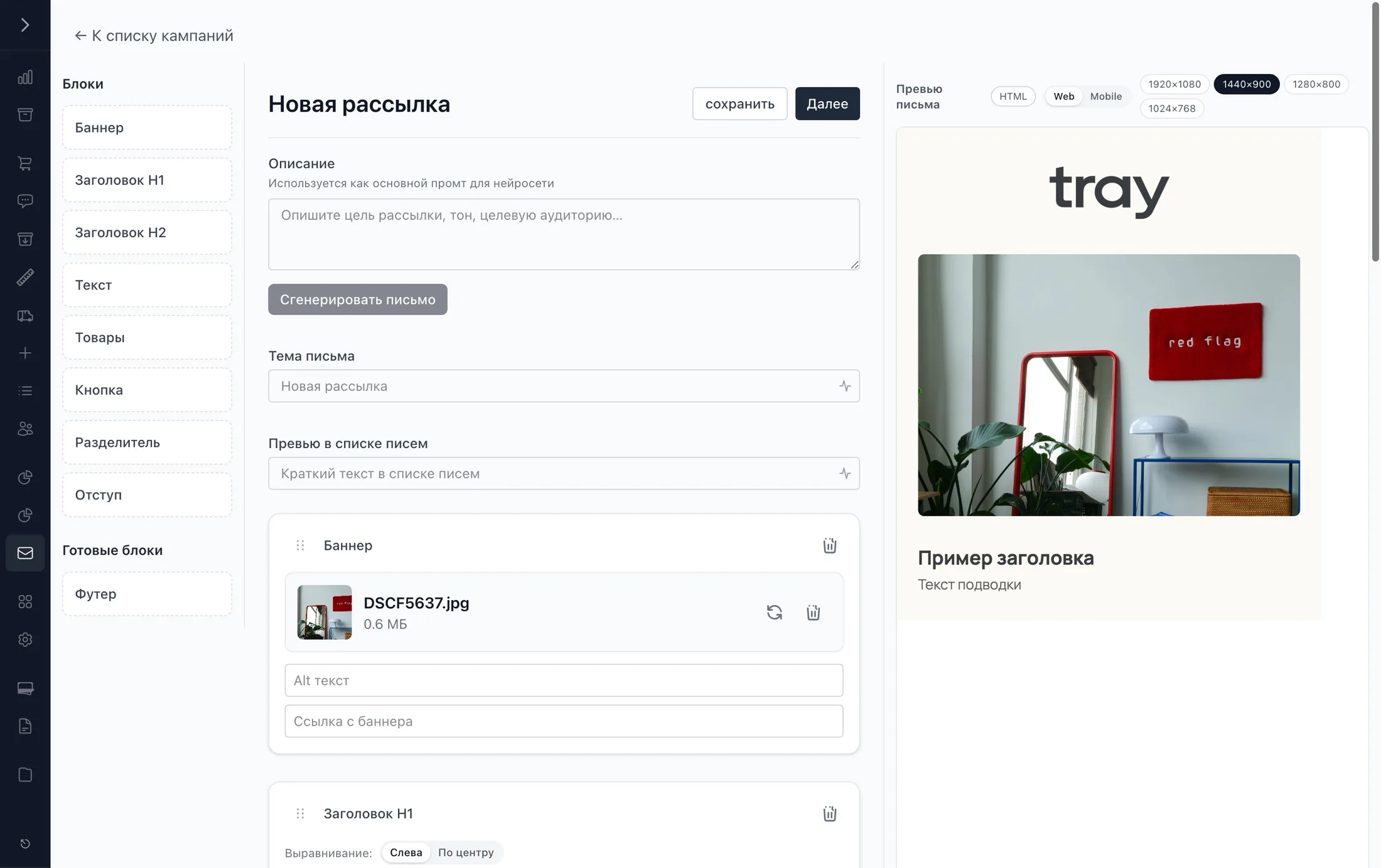
An email is built from blocks: a banner, headings, text, products, a button, dividers, and a ready-made footer. The products block pulls items straight from the catalog with the current price, photo, and link, so nothing has to be copied over by hand. On the right there's a live preview for web and mobile, and for fine-tuning the email opens in the Unlayer visual editor. Colors and fonts come from the Tray design system, so a campaign looks like an extension of the site.
Drafts from a brief
The slowest part of any campaign is getting the first version together. So I added generation from a brief: you write in plain words what the product is, the discount, the promo code, and the deadline, and the AI finds matching products in the catalog and builds the email structure. In the prompt I spelled out Tray's voice with "bad" and "good" examples, banned marketing clichés and made-up products, and told it to copy promo codes and dates word for word. What comes out is a draft you just need to tweak, not write from scratch.
Segments
The audience comes from the same database as the orders, so you can segment by actual behavior:
- Purchases. Number of orders, total spent, first and last order dates, orders within a period.
- What they bought. A specific product or category — for example, the shelving campaign went to people who hadn't bought shelves yet.
- Everything else. City and subscription status, with conditions combined by AND or OR.
You can exclude one segment from another, and drop people who bought in the last few days from a campaign, so you don't offer a discount to someone who just paid full price.
Sending and stats
Emails go out through Resend. A webhook sends deliveries, opens, clicks, and bounces back to the campaign. Addresses that didn't get the email are automatically collected into a separate segment, so they can be checked and resent. One-click unsubscribe asks for a reason and immediately takes the person off all future campaigns.
Transactional emails
The second layer is emails the system sends by itself. "Order received" goes out the moment a customer pays on the site, or right after checkout for cash on delivery. Sending is triggered by an event in the database, and every email goes into a queue with a status, so a failure never silently loses an email.
"Complete your payment" catches abandoned payments: if the money for an order hasn't come in after 30 minutes, the customer gets an email with a button to pay for that same order and a link to change it. It isn't sent if the order is already paid, cancelled, older than a day, or the person has placed a new one.
What's next
Right now there's no welcome series. I built one at UTRO and I know it's the key step: someone just met the brand and is deciding whether to buy. But the groundwork is already there — the customer base, segments, on-brand templates, and event-based sending. The next flows — welcome, post-purchase, and win-back for people who haven't ordered in a while — can be built on top of it without new infrastructure.